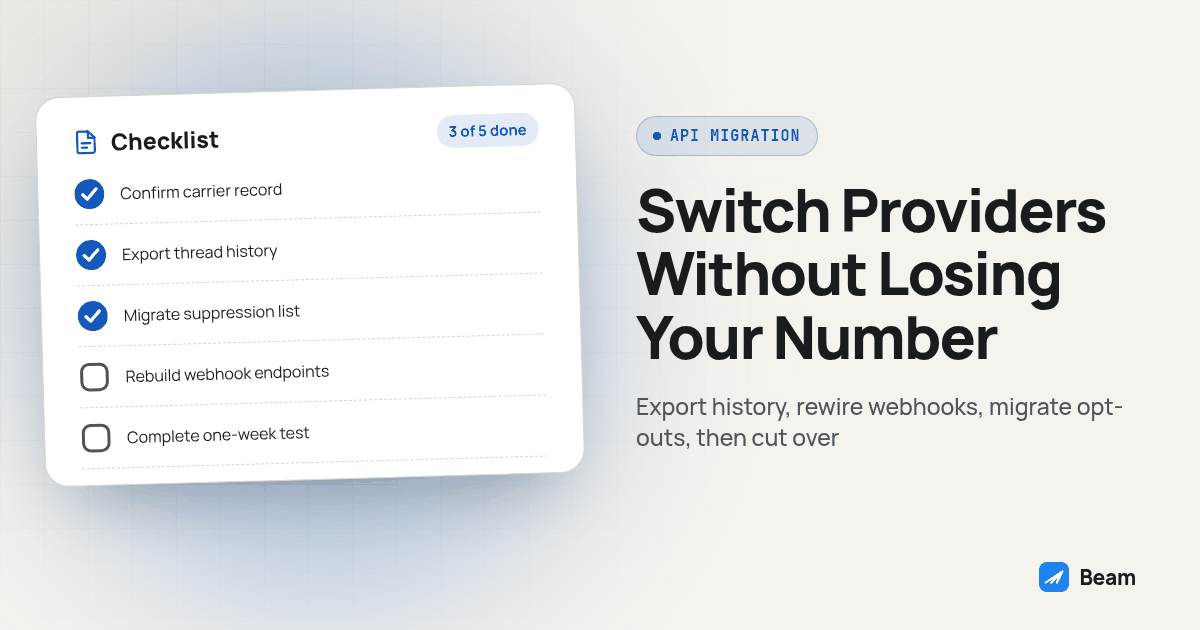
Agencies rarely switch texting providers because the old one broke overnight. They switch because client needs, support, or workflow fit changed. It is the five things that do not automatically follow an account change: the phone number, the thread history sitting in someone’s inbox, the opt-out list, the webhooks wired into your CRM, and any AI tool connected to the old API key.
What actually moves on its own when you switch providers, and what doesn’t?
Treat a provider switch like moving offices, not like flipping a light switch. Some things get carried over because you deliberately pack them. Everything else gets left behind unless someone writes it down first.
| What’s at stake | Moves on its own | What you have to do manually |
|---|---|---|
| Phone number | No | File a port request or number transfer and verify it lands on an active line before cancelling the old one |
| Message and thread history | No | Export from the outgoing provider while admin access is still live |
| Opt-out and consent records | No | Export the suppression list and re-import it into the new workspace before any outbound send |
| Webhook endpoints | No | Rebuild each CRM workflow action and event webhook against the new provider’s URL and signing secret |
| AI tool and MCP connections | No | Create a fresh, workspace-scoped token on the new platform; old tokens do not carry over |
| A2P 10DLC or toll-free registration for SMS fallback | No | Confirm the destination provider’s registration or migration process before enabling SMS |
If you have not picked a destination provider yet, a Sendblue alternatives shortlist and a direct Beam vs Sendblue feature comparison are the right place to compare setup models before you commit. This checklist picks up after that decision is made, for the actual move.
Diagram: a two-lane timeline for the parallel test week, old provider on top and new provider on bottom, both lanes active for seven days with marker points for day one send test, CRM trigger test, midweek reminder test, suppression test and end-of-week export comparison, converging into a single “cutover” lane on day eight.
How do we keep the client’s phone number through the switch?
Start with the client’s number. Customers may already recognize it from the website, business listing, email signature, or an existing conversation.
- Confirm the number’s current carrier record. Ask the outgoing provider who the carrier of record is for that number and whether it is eligible for a standard port, not a provider-specific transfer that only works between two accounts on the same platform.
- Request the exact documentation the new provider needs. Ask whether the port needs a signed letter of authorization, a billing statement, an account number or transfer PIN, and the number in full international format.
- File the port with the destination provider, not the source. The provider you are moving to submits the request; the provider you are leaving confirms and releases.
- Keep the old line active until the port confirms. The FCC requires simple wireline and intermodal port requests to complete within one business day, but “simple” has a specific technical meaning, and a complex record mismatch can push a port past that window (FCC: Telephone Number Portability; 47 CFR Part 52, Subpart C). Avoid cancelling the source account before confirmation.
- Test the ported number for both channels, not one. Send a message and confirm it arrives as a blue bubble on an iPhone and as a text on an Android phone, then have both recipients reply and confirm the reply reaches the new provider’s inbox.
- Only then release the old account. Treat “the port confirmed” and “the old account is safe to cancel” as two separate checks, verified a day apart if you can afford it.
A successful carrier port does not establish iMessage activation or preserve every recipient’s thread display. Confirm the destination can support this exact number and channel before filing. Record the sender shown on each test phone, not just the API status. The number porting guide covers that narrower number-readiness decision; this checklist also covers history, suppression and automation.
How do we preserve message and thread history before we lose access?
Preserve a searchable record before closing the old account, and confirm whether the new provider can import it.
Export every active thread, including attachments and timestamps, while the old account is still paid up and accessible. Confirm the export deadline before cancelling.
Keep the export in a format your team can actually search later: a spreadsheet of messages with contact, direction, channel and timestamp columns works better than a raw database dump nobody on the team can open.
Note which conversations are still open and unresolved at the moment of export. A thread mid-negotiation needs a human handoff note, not just a stored transcript.
If a client agreement or your own records require proof of consent language sent to a specific contact, confirm that language is captured in the export, since consent disputes get resolved by what was actually sent, not by what the current provider’s template says today.
What has to be rewired in our webhooks and CRM workflows?
This is where a switch actually breaks something visible, usually on day one, because the old integration keeps running quietly in the background while nobody notices it is pointed at a dead endpoint.
Inventory every workflow action that currently sends a text. In GoHighLevel, that usually means a Custom Webhook step pointed at the old provider’s send endpoint, separate from the CRM’s own default SMS action, which uses whatever provider is configured at the location level.
Rebuild the send step against the new provider. For a direct API integration, Beam documents POST /v1/messages with to and message fields and an x-api-key header in its send reference. GoHighLevel Custom Webhook actions instead use the workflow endpoint with a workspace bearer token, location and contact IDs, and a stable request_key. Follow the GoHighLevel workflow contract; these authentication methods and payloads are not interchangeable.
Reconnect event webhooks, not just send actions. A new-lead opt-in trigger and a reply or delivery event webhook are two different connections. Configure your receiving URL with the new provider, follow its webhook signing contract, and update signature verification on your receiving end so you do not end up silently rejecting valid events.
Rebuild the reply-to-CRM path. If the old setup wrote inbound replies back into a CRM contact record, confirm the new provider supports the same pattern and test one inbound reply before trusting it with a real client thread.
Reissue tokens for any connected AI tool. An MCP or API connection used to let an assistant read conversations, pause automation or send a message is scoped to a workspace on the issuing platform. It does not transfer with the number; you create a new one on the new provider and update whatever tool was using the old one.
Turn off the old send step before you turn on the new one for the same contact. Running both active at once on the same lead is how a customer gets the same appointment reminder twice from two different numbers in the same week.
How do we migrate the opt-out list so we don’t re-contact someone who already said stop?
Nothing is worse for a client’s reputation than texting someone who opted out on the old platform, because that person has no way of knowing the business switched software. To them, a business just ignored their stop request.
Export the full suppression list from the outgoing provider, including the contact, the channel they opted out on, and the date, if the provider records one.
Cross-reference that list against the contact records you are bringing into the new provider or CRM, not just the number of entries, since a mismatched phone format can let a suppressed contact slip through unflagged.
Re-import the list into the new provider’s suppression system before any outbound send goes out from the new line, including your own test sends.
Confirm the new provider actually blocks sends to an imported suppressed contact. Test it with one opted-out test contact before trusting it with the full list.
Keep a copy of the original opt-out records somewhere outside either provider. If a dispute comes up later about whether someone consented, you want a record independent of whichever platform you happen to be using that month.
How long should the parallel test week actually run, and what do we test during it?
A short test that only checks “did a message send” misses the failures that show up on a billing cycle or a Monday morning backlog. Use one week as a proposed acceptance window, extending it for workflows that run less often. Keep the old account accessible while testing the new provider on a separate assigned test line. Do not assume the same number can send through both providers simultaneously. Work through this list before moving real client traffic:
- Day one: send a test message on the new provider to a real iPhone and a real Android phone, from a test contact, and confirm delivery and reply both work.
- Day one or two: fire one real CRM workflow trigger against a test contact and confirm the message goes out through the new webhook, not the old one.
- Midweek: trigger an appointment reminder or scheduled send, since this is where timing and template fields most often get missed during a rebuild.
- Midweek: test the suppression list by sending to one opted-out test contact and confirming it gets blocked.
- End of week: pull a reporting or billing export from the new provider and compare the shape of the data to what the old provider produced, since a missing field here surfaces as a confused client question weeks later, not immediately.
- Throughout the week: leave both providers’ event webhooks active and watch both logs. If the old provider is still receiving traffic you thought you moved, you have found a workflow you missed in your inventory.
Treat SMS readiness as a separate release gate. Beam iMessage lines do not need A2P registration. Local 10DLC SMS needs A2P 10DLC registration, toll free SMS needs verification, and short codes need carrier approval. Do not assume registration always starts from scratch: Twilio documents externally registered campaign migration, subject to eligibility and review. Ask the destination provider which process applies to your records. This is an operational checklist, not legal advice.
For each check, record the workflow name, test contact, intended sender, request or message ID, observed channel, receiving-phone result, reply destination and reviewer. A queued response is acceptance, not delivery. Compare the receiving phone with the new inbox and CRM record before marking a test passed. Use only consented contacts you control and never customer data in screenshots.
Write down stop conditions before the transfer: wrong sender, missing replies, an unenforced suppression record or duplicate sends should pause rollout. Assign someone to own the pause and reconcile pending messages. Reverting an endpoint does not reverse a completed number port, so ask both providers what recovery is actually possible before scheduling cutover.
What does cutover day itself look like?
Cutover is not the day you discover problems. It is the day you stop running two systems because the parallel week already surfaced what needed fixing.
- Confirm the port or number transfer has fully settled and both channels tested clean on the new provider.
- Disable old outbound workflow actions and automatic responders, verifying each stops firing. Keep read-only event collection available for reconciliation until outstanding events are resolved.
- Enable the corresponding new provider actions after each check passes. Use a planned pause and a human inbox owner during the handoff; do not promise zero downtime.
- Send one live test message to an internal team phone through the new path to confirm it is truly live, not just configured.
- Revoke the old provider’s API keys and AI tool connections once you are certain nothing still depends on them.
- Leave the old account open, unused, for a short grace period before cancelling, in case a delayed reply or a missed workflow trigger surfaces in the first few days.
- Tell the client’s team the switch happened and where to find old conversation history, since a support rep who cannot find last month’s thread will assume something broke.
What else do agencies ask before switching providers?
How long should we run both providers in parallel before cutting over?
Use one week as a proposed test window, then extend it to cover less frequent workflows and reporting cutoffs. Keep the old account accessible and use a separate test line for the new provider before the number transfer. Do not run duplicate outbound automation for the same contact or assume both providers can send from the same number.
Does A2P 10DLC registration carry over automatically when we switch providers?
Do not assume it carries over. Ask the destination provider whether your existing brand and campaign can be migrated or whether new registration is required, and verify that the number is associated with an approved sending path. Beam iMessage lines do not need A2P registration, but SMS requirements still depend on number type.
Will our existing thread history move to the new provider by itself?
Assume it will not. Export conversation history, attachments and timestamps from the outgoing provider while you still have admin access, before any account gets suspended or cancelled, and keep that export somewhere your team can search it after the switch.
What happens to our opt-out and consent list during a switch?
It has to be migrated on purpose. Suppression records live in the old platform’s database, not on the phone number, so a number moving to a new provider does not bring its do-not-text list with it unless someone exports and re-imports it.
Do our CRM workflows and AI tool connections need to be rebuilt, or just repointed?
Both, depending on the piece. A GoHighLevel workflow action that currently calls the old provider’s webhook needs a new Custom Webhook step pointed at the new provider’s endpoint, and any MCP or API connection used by an AI agent needs a fresh, workspace-scoped token from the new platform, since tokens are not portable between providers.
For the related voice infrastructure decision, Twilio’s MCP server versus a calling platform that already has agents, numbers and dialing built in compares those approaches for outbound calling.
Run the number port, the history export and the opt-out migration as three separate, verified checks rather than one bundled “switch day,” and the actual cutover becomes the boring, uneventful part of the project instead of the part everyone remembers for the wrong reasons. For the client-facing workflow, review Beam outbound texting. The Beam iMessage API overview introduces the messaging integration and links to the developer references if you want to see the current contract before you start mapping your old workflow onto it.