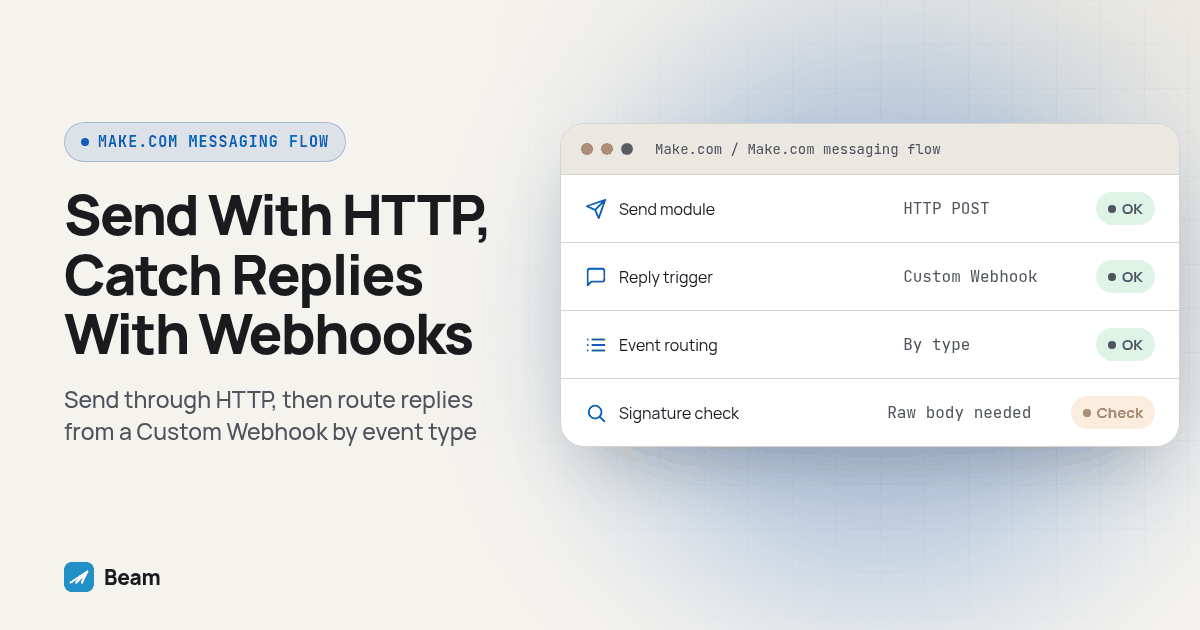
A Make.com scenario can send a message through Beam with the HTTP module and receive replies through a Custom Webhook trigger. No dedicated Beam app in Make’s directory is required. This guide shows the modules, fields, and checks needed to connect the two systems.
TL;DR: Add an HTTP module set to POST
https://beam.aisync.link/v1/messages, with a Header Auth credential carrying your Beam workspace key inx-api-key. That sends the text. For replies, add a Custom Webhook trigger, paste its generated URL into Beam’s Settings → Event webhooks, and branch on thetypefield Beam sends with every event. The connection uses Make’s HTTP and webhook modules rather than a native Beam connector.
Why Build This in Make Instead of Zapier or n8n?
If an agency already runs its lead routing and CRM syncs inside Make, adding a second platform just to text a lead is its own kind of overhead. Make, Zapier and n8n can reach Beam through HTTP requests and inbound webhook URLs. Beam already has guides for Zapier and n8n. The platform comparison below focuses on how each tool connects to Beam, how it receives events, and where its workflow model may fit.
Make describes that module as a way to “call any API, download a webpage, or trigger a webhook,” built around three actions: Make a request, Download a file, and Resolve URL (Make: HTTP integration). Make a request is the one this build needs, since it sets a method, a URL, headers and a JSON body, the fields Beam’s send endpoint accepts. For a workflow that uses an AI step to compose a message, place that step before the HTTP request and map its output into the request body.
Where Do We Get the Beam API Key the HTTP Module Needs?
Sign in to Beam as the workspace owner and open Settings, where the workspace API key lives. That key is meant for server-side calls, never anything a site visitor’s browser could see, and a Make scenario running on Make’s own infrastructure qualifies the same way a Zap or an n8n workflow does (Beam: send a message). Create the credential once, inside Make’s connection manager, rather than typing the key into a header field on every scenario that needs it, and name it something a teammate could identify later, such as “Beam workspace key, production.” An agency running scenarios for more than one client workspace should create a separate named connection per key rather than swap one shared credential’s value, since a swap can silently break every other scenario still pointed at the old one.
How Do We Build the HTTP Module to Send a Message Through Beam?
Build this module right after whatever starts the scenario: a webhook from a form fill, a watch module on a new CRM record, or a scheduled trigger for a recurring reminder batch.
- Add a module and search for HTTP, then choose Make a request.
- Set URL to
https://beam.aisync.link/v1/messagesand Method toPOST. - Under Headers, add two:
Content-Typeset toapplication/json, and a Header Auth connection carryingx-api-keywith your Beam workspace key. - Set Body type to
Raw, and Content type toJSON (application/json). - In the request content box, map your trigger’s recipient number and message text into the JSON body. Add
first_nameas a third field if your trigger has it; Beam saves it to the contact the first time it messages them. - Set Parse response to Yes, so the returned
idandstatusbecome mappable fields for later modules. - Run the scenario once against your own phone number, and confirm the output panel shows a
statusofqueued. - Open your Beam inbox, or watch the test phone directly, and confirm the text arrived before activating the scenario against a real list.
Here is the request body as a starting template. The curly-brace values are what you map from an earlier module, not literal text to send unedited:
{
  "to": "{{1.recipient_phone}}",
  "message": "{{1.message_text}}",
  "first_name": "{{1.recipient_first_name}}"
}
And the response shape a working call returns, matching Beam’s send-message reference:
{
  "id": "41",
  "status": "queued",
  "to": "RECIPIENT_PHONE_NUMBER"
}
A queued status means Beam accepted the request, not that the phone received it. Add a Sleep module and a follow-up Make a request call to GET https://beam.aisync.link/v1/messages/:id, mapping in the id field from the send step, so the scenario can confirm delivered before marking a lead as contacted (Beam: get a message).
How Does Beam Decide Between iMessage, RCS and SMS for Each Contact?
Nothing in the HTTP module sets a channel field, on purpose. Beam checks the recipient’s phone the moment the request lands on /v1/messages: an eligible iPhone on a capable line gets iMessage, a supported Android phone and carrier pair gets RCS, and everything else gets plain SMS (Beam: how routing works). SMS fallback after a confirmed failed iMessage send is a workspace setting turned on deliberately; an uncertain delivery is not automatically re-sent on another channel, a teammate decides any follow-up from the inbox.
The compliance picture does not change based on channel. Beam iMessage lines carry no A2P registration requirement, but SMS fallback on that same line still needs whatever its number type requires: local 10DLC numbers need A2P 10DLC registration, toll free numbers need toll free verification, and short codes need carrier approval. Pick the number type for a Make-driven line with that fallback path already in mind, since any real contact list eventually lands some sends on SMS.
How Do We Receive Inbound Replies as a Make Webhook?
Sending is only one piece of this build. A reply coming back needs its own trigger, and in Make that trigger is a Custom Webhook, not a polling module checking for new messages on a schedule.
- Start a new scenario and add a Webhooks module as the first step, choosing Custom webhook.
- Click Add, name it “Beam inbound replies,” and copy the generated URL, which starts the scenario the instant a request lands on it (Make: webhooks).
- Run the module once in Make’s editor so it is listening, then in Beam open Settings → Event webhooks, paste that URL as the destination, and save. Beam generates a signing secret at that same screen; store it somewhere other than the scenario.
- Send a test reply from a phone you control, confirm the module captures a
message.receivedevent, and use Make’s Determine data structure option so later modules can map fields likefrom,bodyandchannelinstead of one bundle (Beam: event webhooks). - Add a Router and branch on the event
typefield. Amessage.receivedpayload carries the contact, channel and body, enough to route into a CRM update, a Slack alert, or a human review queue; acontact.opted_outpayload needs its own branch that stops further outbound rather than falling through unnoticed.
Can Make Verify Beam’s Webhook Signature the Same Way a Custom Server Could?
This is the part most Make guides for messaging platforms skip. Beam signs every event with a Beam-Signature header built from the literal raw request bytes, hashed with HMAC-SHA256 against your signing secret, and warns against reconstructing the body from parsed JSON before checking it (Beam: webhook signing). Even when a workflow tool offers hashing functions, signature verification must use the exact bytes Beam signed.
The obstacle is that Make’s Custom Webhook module parses an incoming application/json body into a structured bundle the instant it arrives, and the incoming payload may be parsed before scenario modules can inspect it (Make Community: raw webhook body). Reassembling the body with Make’s createJSON function looks like the original, but field order and spacing are not guaranteed to match, and a signature check that only sometimes passes is worse than none. Treat the webhook destination as sensitive, but do not treat URL secrecy as a substitute for signature verification where verification is required. If your security review requires provable signature verification, use a relay or server that can verify Beam’s signature against the exact raw body before passing the event into Make.
How Do We Test This Before It Touches a Real Contact List?
Run these checks against a phone we control, before either scenario reaches a live list.
- Fire the send scenario at a phone you control and confirm the text lands on the device, not just that Make’s log shows a green run.
- If available, test a supported Android recipient and confirm the message arrives through the channel Beam selects.
- Check the returned
idagainstGET /v1/messages/:id, watchingstatusmove toward its final state before trusting the scenario unattended. - Reply from the test phone and confirm the webhook scenario fires within seconds and routes to the right branch.
- Confirm merge fields populate on both sides. A field that resolves blank in testing resolves blank for a real contact too, just at a worse moment.
Which Automation Platform Fits a Beam Build?
All three reach the same Beam endpoint, so the pick usually comes down to what an agency already runs everything else on.
| Make | Zapier | n8n | |
|---|---|---|---|
| Send module | HTTP, built-in action | Webhooks by Zapier, a paid action | HTTP Request node, built-in |
| Connection availability | Check Make plan and module availability | Check Zapier plan and app availability | Check hosted or self-hosted setup |
| Inbound webhook trigger | Custom Webhook, built-in | Catch Hook, built-in | Webhook node, built-in |
| Raw body for signature checks | Not for JSON payloads | Not covered in our build | Yes, via a Code node |
| AI agent decides what to send | Not natively; compose upstream | Not natively; compose upstream | Yes, MCP Client Tool node |
| Good fit when | A team already runs other automations on Make | A team already pays for Zapier’s higher tiers | A team needs raw-body access or an agent composing replies |
Nothing here makes one platform strictly superior for Beam; it makes them different enough that switching costs are real once a team has built scenario logic around one of them, and rebuilding that logic elsewhere rarely pays for itself when the HTTP call underneath is this close to identical everywhere.
What Should We Watch Once More Than One Scenario Uses This Connection?
Keep duplicate protection inside Make, since /v1/messages has no idempotency key the way Beam’s MCP write tools require a request_key (Beam: developer access), and resist wiring a second scenario to the same trigger “just in case” the first fails. Route opted-out contacts to a human review queue rather than letting a 403 response disappear into a scenario’s error history unnoticed, and watch Make’s own credit consumption on the inbound side too, since webhook queue capacity scales with plan credits and a busy reply thread can use that allowance faster than an agency budgeted for outbound sends alone (Make: webhooks). Store the workspace key and signing secret only in Make’s connection manager and Beam’s settings screen, never in a scenario’s mapping fields or an exported blueprint shared with a contractor.
Before pointing a Make scenario at a mass outbound list, read outbound texting and mass texting with Beam so pace, budget and reply ownership get decided alongside the build. If the same automation also needs to trigger a call once a reply signals real interest, RizzDial’s guide to triggering an AI voice agent call from n8n covers the same REST pattern from the voice side.
What Do Agencies Ask About Make.com and Beam?
Do we need a paid Make plan to send texts through Beam this way?
Check Make’s current plan documentation for module and execution limits that apply to your account. This setup uses Make’s HTTP module and Custom Webhook trigger, and availability or capacity can vary by plan.
Does sending through Make this way need A2P 10DLC registration?
Not for iMessage. SMS fallback still follows the rules for its number type: local 10DLC numbers need A2P 10DLC registration, toll free numbers need toll free verification, and short codes need carrier approval.
Which header does the HTTP module actually need, and where do we get the key?
Use a Header Auth credential named x-api-key, with your Beam workspace API key as its value. Create it in Make’s connection manager and keep the key out of mapped scenario fields.
What happens if a Make scenario fires twice for the same contact?
Two accepted HTTP calls produce two texts. Beam’s send-message reference does not document an idempotency key on /v1/messages, so a rerun or two scenarios wired to the same trigger can send the same contact another text. Check Make’s execution history before manually rerunning a scenario that may have succeeded.
Can Make verify Beam’s webhook signature the same way a custom server could?
Only if the webhook setup gives your scenario access to the exact raw request body Beam signed. Parsed JSON may not preserve the bytes needed for a strict check. Confirm raw-body access first; otherwise verify the signature with a relay or server before forwarding the event.
Diagram: a left-to-right flow showing a CRM trigger feeding a Make “Make a request” HTTP module labeled POST /v1/messages, an arrow out to a phone icon split into three small icons (iMessage bubble, RCS bubble, SMS bubble), then a dashed return arrow into a second Make scenario starting with a Custom Webhook module labeled “message.received,” flowing into a Router with three branches: CRM update, Slack alert, human review.
Start with one trigger, one test phone and one scenario pair before connecting either side to a real pipeline stage. Text our team to try it, and we will help wire the first send-and-receive pair. Review the full iMessage API reference for every field Beam’s endpoint accepts, and see GoHighLevel and iMessage with Beam if the same build needs to feed a GoHighLevel pipeline.