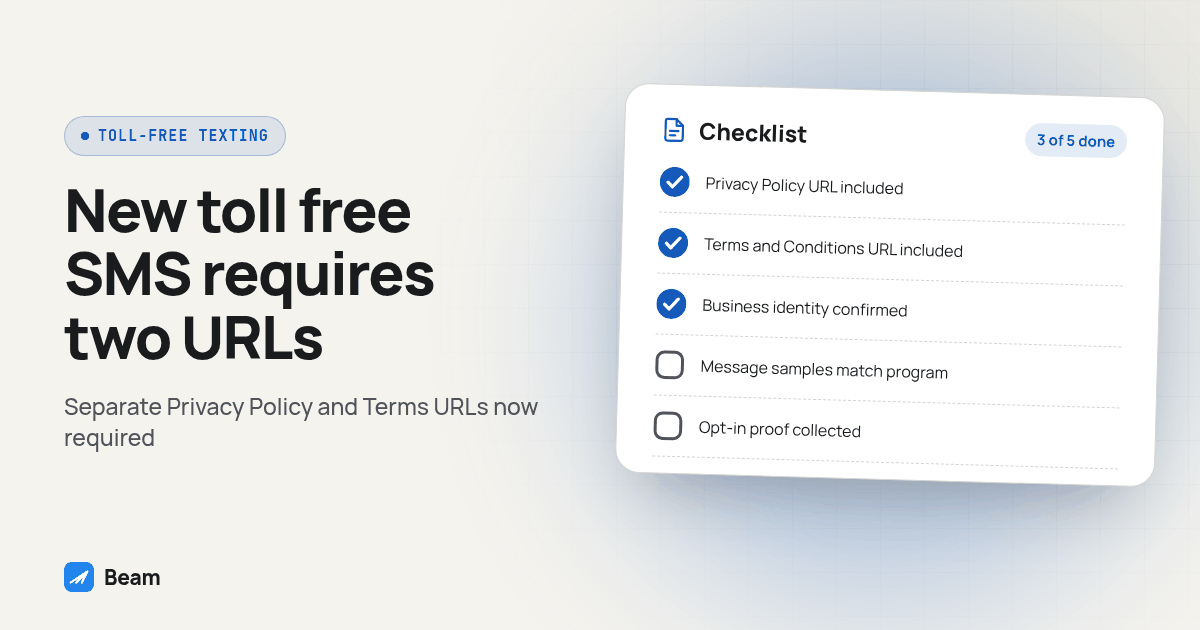
TL;DR: Starting September 15, 2026, every new toll free texting verification submission needs two separate, publicly accessible links, a Privacy Policy URL and a Terms and Conditions URL, filled into two different fields. A single combined page does not satisfy both fields, and the content on each page has to match what carriers already expect: data rate disclosure, message frequency, HELP and STOP instructions, and a statement that mobile data is not shared with third parties for marketing. Numbers already verified before that date need nothing new.
A new field can stall an otherwise complete toll free verification. This guide explains what changed, what each required page should contain, which numbers are exempt, and when toll free fits better than a local number or iMessage line.
What changed in toll free SMS verification on September 15, 2026?
Two new required fields appeared on the toll free verification submission form: a Privacy Policy URL and a Terms and Conditions URL. GoHighLevel’s own changelog describes the change inside its own Step 3 verification flow and is blunt about the stakes: “Both are required before you can send the submission” (GoHighLevel changelog). Twilio’s changelog documents the same requirement at the carrier level, since GoHighLevel’s toll free verification runs on top of carrier infrastructure rather than inventing its own rules (Twilio changelog).
This is not one vendor tightening its own form. It is an industry level change to how toll free verification gets reviewed, and it shows up the same way across multiple platforms that handle toll free SMS registration, not just GoHighLevel’s own interface (A2P.guide verification guide). The fields went live ahead of the enforcement date so businesses could adjust before carriers started rejecting submissions that skipped them outright.
Reviewers may have checked these pages before, but the form now makes both links mandatory before submission. A missing or inaccessible page can no longer go unnoticed at the form stage.
Why can a combined privacy policy and terms page lead to rejection?
Because the form asks for two separate URLs, not one. If your current policy page covers both privacy and terms in a single document at a single address, pasting that one link into both fields does not give reviewers two distinct documents to check against your sample messages and your stated use case. The two fields exist because a privacy policy and a terms and conditions page answer different questions: one is about what happens to a customer’s data, and the other is about how the messaging program itself runs, who can text them, how often, and how they get out of it.
Keep privacy terms on one public page and program terms on another. Each page can link to the other, but the form should point to distinct URLs with the relevant content on each.
What must your Privacy Policy page say?
The content standard did not change on September 15, 2026, but the form now forces you to prove you have it before you can even submit. A compliant toll free privacy policy page needs to state clearly what customer information your business collects, how that information gets used, and a direct statement that mobile phone numbers and SMS opt-in consent are not shared with third parties or affiliates for marketing or promotional purposes (Telgorithm). Include that statement directly rather than relying on a generic privacy template.
Reviewers check this page against your own sample messages and your described opt-in method, so the words on the page need to match the actual program, not a generic template borrowed from a different business. If your opt-in flow runs through a GoHighLevel form, the privacy policy on file should describe that exact flow, not a vague reference to “our website” that a reviewer cannot connect to anything concrete.
What must your Terms and Conditions page say?
A compliant terms page carries more required pieces than most businesses expect from a page nobody reads. It needs the brand or program name, a plain description of the messaging program, the message frequency a subscriber should expect, the “message and data rates may apply” disclosure, HELP and STOP instructions, a way to reach customer support, a working link back to the Privacy Policy page, and a line about carrier liability for delayed or undelivered messages (Telgorithm).
Make the frequency disclosure match the actual program. If scheduled reminders and replies both occur, describe both instead of using a number that conflicts with the samples.
How can you submit a toll free verification application under the new rule?
Build this checklist once and reuse it for every new toll free number, not just the one you are submitting this week.
- Confirm your business identity details match your IRS records. Legal business name, Business Registration Number (an EIN for a US business), issuing country, and entity type are all required fields now, separate from the privacy and terms URLs (A2P.guide).
- Publish a standalone Privacy Policy page at its own URL. State what data you collect, how you use it, and that mobile numbers and opt-in consent are not shared with third parties for marketing.
- Publish a standalone Terms and Conditions page at a different URL. Cover the program name, message frequency, rate disclosure, HELP and STOP instructions, support contact, a link back to the privacy page, and the carrier liability line.
- Check both pages against your actual opt-in flow. The wording on each page should describe the real form, checkbox, or keyword flow a customer sees, not a generic paragraph copied from somewhere else.
- Collect opt-in proof images. A screenshot of the actual consent form, checkbox, or keyword flow is the single most common failure point reviewers flag, so gather this before you submit rather than scrambling for it after a rejection (A2P.guide).
- Write production message samples that match what you will actually send. A sample that does not resemble your real messages is its own rejection reason, separate from the URL fields.
- Enter both URLs into their own fields on the verification form, whether that form is GoHighLevel’s Step 3, a carrier console, a bulk verification file, or the verification API. Do not reuse one link for both fields.
- If a submission comes back rejected, fix the specific gap named in the rejection and ask the provider how to resubmit. Confirm whether the submission can be corrected or must be filed again.
Confirm the opt-in evidence before submitting. If the signup flow was not captured, ask its owner to document it before filing.
Does this apply to a toll free number that is already verified?
No. If your toll free number cleared verification before September 15, 2026, it stays verified. GoHighLevel’s changelog is direct about this: existing verified numbers are out of scope and need no update or re-verification. Telgorithm’s coverage of the same change confirms it applies only to new submissions, regardless of which path a business uses to submit, a verified sender form, a bulk file, or the API (Telgorithm).
Where this still matters for an already-verified number is a new use case. If you plan to add a second messaging program or a new client on the same number, check with your provider about whether that counts as a fresh submission rather than an update. Assume it does until told otherwise, and have both URLs ready before you ask.
Should this client use toll free, local, or iMessage?
The new verification requirement changes the calculus for a client who needs texting live this week, not next month. A toll free number is still the right identity for a national support line or a brand that wants one recognizable number across every state. It is a worse choice for a launch deadline that cannot absorb a week or two of review time while the two policy pages get built and checked.
| Scenario | Number type to pick | What has to happen first | Timing under the new rule |
|---|---|---|---|
| National brand or support line, customers expect one number everywhere | Toll free number | Toll free verification, with the two separate Privacy Policy and Terms URLs ready before submitting | Build both pages before submitting; a missing URL blocks the form outright |
| Local service business with an existing area code customers already recognize | Local number | A2P 10DLC registration, a different process with its own Brand and Campaign steps | Not affected by this toll free specific rule; see our A2P 10DLC guide |
| Client needs texting live this week and the policy pages are not written yet | iMessage line | No A2P 10DLC registration and no toll free verification for the iMessage channel itself | Fastest path while the compliance pages get built; SMS fallback from the same line still follows the rules for its number type |
| Already verified toll free number, no new use case planned | Keep the existing number | Nothing; it stays verified | Confirm with your provider only if you add a new program or client on the same number |
Our own business phone numbers guide walks through all six number types Beam offers and where each one fits, and the toll free versus local number comparison goes deeper on the recognition and throughput questions once you have settled on a number type. If a client’s program is a large opt-in list rather than a support line, the short code comparison covers when that different lease-and-approval path earns its overhead instead. And if a client is asking about texting compliance generally, not just this one form field, our texting compliance guide covers consent, opt outs, and registration by number type in one place.
None of this replaces the calling side of a client’s compliance picture. A toll free number used for voice has its own consent and quiet-hours questions that are separate from anything on this page; RizzDial’s guide to TCPA calling hours and consent covers the calling specific rules if the same number, or the same client relationship, also places outbound calls.
What mistakes can cause a second rejection?
Common problems include policy pages behind a login, disclosures that conflict with the described opt-in flow, and missing carrier liability language on the terms page. A correction may also leave another issue unresolved, so recheck the full submission before resending.
Keep a short record next to every toll free submission so the next person on your team, or the next client, does not repeat a mistake you already solved once.
TOLL FREE VERIFICATION SUBMISSION CHECKLIST for [client/business name]
Legal business name matches IRS records: yes / no
Business Registration Number, issuing country, entity type entered: yes / no
Privacy Policy URL (separate page, publicly accessible): [URL]
Terms and Conditions URL (separate page, publicly accessible): [URL]
Both pages checked against the actual opt-in flow: yes / no
Opt-in proof image collected and ready to attach: yes / no
Production message samples match real sending plan: yes / no
Submitted through: [GoHighLevel Step 3 / carrier console / bulk file / API]
Date submitted: [date]
Result: pending / approved / rejected, reason: [reason]
Text our team to try it if you want a second set of eyes on a toll free submission before you send it, especially if a client’s launch date is close to the review window.
What questions do businesses ask about the new toll free privacy policy rule?
Does the September 15, 2026 rule apply to a toll free number we already have verified and sending on?
No. GoHighLevel's own changelog states it directly: existing verified numbers are out of scope and need no update or re-verification. The requirement only touches new toll free verification submissions filed on or after that date, whether through a verified sender form, a bulk verification file, or the verification API.
Can our Privacy Policy and Terms and Conditions live on one combined page with one URL?
Not for a submission filed after September 15, 2026. The verification form now has two required fields, a Privacy Policy URL and a separate Terms and Conditions URL, and both have to be filled in before the submission can go out. Pasting the same link into both fields does not satisfy the intent of the requirement, and reviewers can reject a submission that does not show two distinct documents.
What exactly does the Privacy Policy page need to say about our customers' data?
It needs to say plainly what customer information you collect, how you use it, and that mobile phone numbers and SMS opt-in consent are not shared with third parties or affiliates for marketing or promotional purposes. Reviewers compare this page against the opt-in flow your sample messages describe, so it has to match what a real customer actually sees before they text you.
How long does toll free verification actually take once we submit?
Ask the provider handling the submission for its current review estimate and whether corrections can be resubmitted within the same application. Review times can change and are not a guarantee, so do not promise a client a go-live date before verification clears.
Does Beam charge extra to help us get a toll free number verified?
Beam doesn't post prices on this page. Text our team to try it and we will walk through your current toll free setup and quote the number and verification work for your sub-account count.